Sarathi Parivahan UP: Learning Licence, DL & UP Helplines
In Uttar Pradesh, Sarathi will print your learner’s licence but not your driving licence. Open the DL print option after choosing Uttar Pradesh and the portal answers “DL Print Download Option Not Available For This State”. Your UP driving licence comes as a smart card by post, and its digital copy lives in DigiLocker or NextGen mParivahan.
That one difference explains most of the confusion around Sarathi UP. Everything else, from the menu to the application, runs on the same national portal as other states, with UP’s own offices and helplines behind it.
Which parts of Sarathi UP match other states, and which don’t
The UP menu after state selection is the same national menu: Learner Licence, Driving Licence, Appointments, Upload Document, Fee Payments, Others and Application Status. The differences sit in what you can download, how the learner’s test runs and where you go for help.
- Learner’s licence download works. After a pass, print it from Learner Licence → Print Learner Licence (Form3).
- Driving licence download from Sarathi doesn’t. The “not available for this state” message appears for UP, and it appeared for Delhi in the same check, so it isn’t a fault on your side.
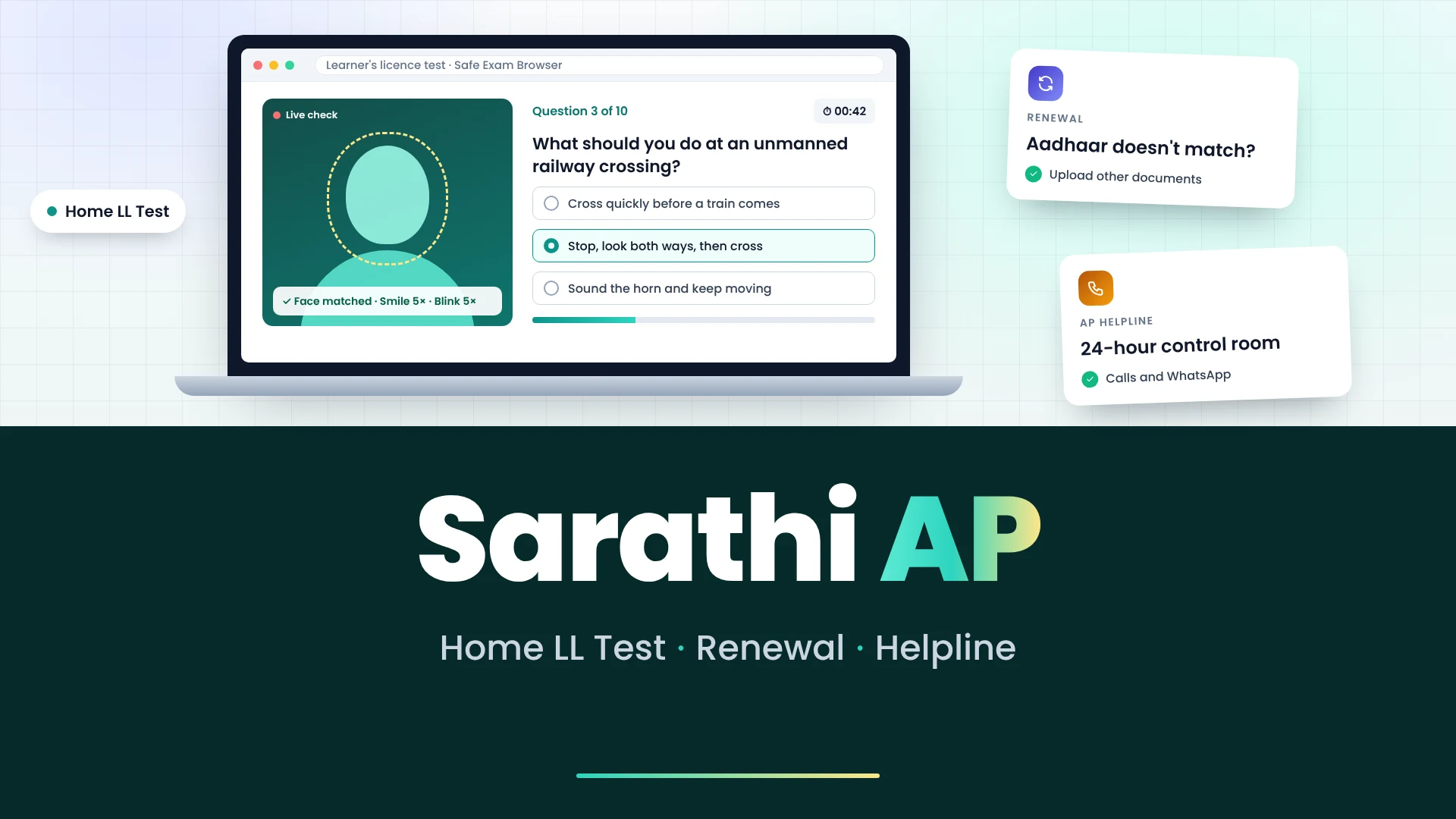
- The learner’s test can be faceless. UP’s district portals describe an AI-proctored online test with Aadhaar authentication and face recognition, after which you can download the learner’s licence.
- The licence card is a smart card. UP has issued smart card driving licences since its launch at the Lucknow RTO in January 2013.
The UP Transport Department’s own website, uptransport.upsdc.gov.in, sends licence work to the same Sarathi portal. You don’t apply in two places.
Getting a UP learner’s licence: which way you’ll go
Your route depends on Aadhaar. If your Aadhaar is linked to your mobile number and you’re comfortable on a webcam, apply with Aadhaar eKYC and take the faceless test from home. If not, apply on Sarathi and book a test slot at your UP RTO under Appointments.
If the eKYC OTP fails, don’t keep retrying on the same number. Fix the Aadhaar-mobile link first, or switch to the RTO route.
Once you’re on a route, the steps match the rest of India: the Road Safety tutorial, then the online test. Our page on the LL tutorial and online test covers both, including what to do if you fail.
Your UP driving licence after the test
After 30 days on a learner’s licence, you book the driving test at your UP RTO through Sarathi. Once you pass, the RTO approves the licence and the smart card is posted. The licence number works in DigiLocker and NextGen mParivahan before the card reaches you.
This is where many UP applicants get stuck, because they keep trying the Sarathi print page. Skip it. Pull the licence into DigiLocker or mParivahan instead; both are valid under MoRTH’s 2018 advisory. The steps from booking the test to carrying the digital copy are on our driving licence page.
If the card doesn’t arrive, check Application Status for the dispatch details and Speed Post number first. Then use the UP contacts below.
Messages you may see on Sarathi UP, and what they mean
Sarathi’s error messages are short and don’t say what to do next. Here is what the common ones mean for a UP applicant, and the fix for each.
| What you see | What it means | What to do |
|---|---|---|
| DL Print Download Option Not Available For This State | UP doesn’t offer a DL PDF on Sarathi | Get the digital copy in DigiLocker or NextGen mParivahan |
| 403 Forbidden | You opened a saved link to an inner Sarathi page | Start from sarathi.parivahan.gov.in, select Uttar Pradesh again, then use the menu |
| OTP not received | Sarathi says this can be due to DND or network non-delivery | Wait and retry once; if it still fails, contact your RTO |
| Page times out or won’t load | The portal is not responding | Try again later; don’t resubmit the same form repeatedly |
| Captcha error | The captcha was mistyped or expired | Refresh the captcha and re-enter the form from the start |
UP transport contacts and what each one is for
UP has its own transport helplines on top of Sarathi’s national helpdesk. Use them for UP licence questions, status updates and complaints. Our sarathi parivahan page lists the national Sarathi helpdesk.
| Contact | Use it for |
|---|---|
| 149 (24×7) | UP Transport Department helpline for driving licence, RC, permits, road tax, e-challans and complaints; you get an SMS with the information or a complaint number |
| 1800-1800-151 (24×7, toll-free) | The same helpline on a toll-free number, from any mobile or landline |
| 8005441222 (WhatsApp) | The department’s verified WhatsApp chatbot for licence details, RC and challan status |
| upgov.info/transport | Registering or tracking a transport complaint online |
The department asks people to pay e-challans only on government portals such as parivahan.gov.in. If someone calls or messages offering to “speed up” your UP licence for a fee, treat it as fraud; every licence fee is paid on Sarathi itself.
Short answers for UP applicants
| Question | Answer |
|---|---|
| Is there a separate UP portal for licences? | No. uptransport.upsdc.gov.in links you to Sarathi, where you select Uttar Pradesh. |
| Can I download my UP learner’s licence? | Yes, from Print Learner Licence (Form3) under Learner Licence, after you pass. |
| Can I download my UP driving licence from Sarathi? | No. Use DigiLocker or NextGen mParivahan for the digital copy. |
| Can I take the UP learner’s test at home? | Yes, with Aadhaar eKYC; the faceless test is AI-proctored with face recognition. |
| Who do I call about a delayed UP licence? | The UP Transport helpline 149 or 1800-1800-151, after checking Application Status for dispatch details. |