sarathi.parivahan.gov.in Application Status: LL, DL, Renewal
Keep two things in front of you: your application number and your date of birth. On sarathi.parivahan.gov.in, pick your state, open Application Status in the top menu, and enter both with the captcha. The same page tracks a learner’s licence, a new driving licence, a renewal and most other licence services.
If you haven’t used the portal before, the state step comes first; our sarathi parivahan page walks through it. This page picks up from there: which lookup fits the number you have, how to read the result, and what to do when the status stops moving.
Which number do you have?
Use Application Status if you have the application number. Without it, Sarathi has other lookups that work from your name, mobile number or the dispatch consignment number. Picking the right one first saves you from typing the wrong number into the wrong form.
- Application number (on your acknowledgement and the Application Reference slip): use Application Status. Enter the number, your date of birth as DD-MM-YYYY and the captcha.
- Applied at an e-Mitra or e-District centre: stay on Application Status but use its separate link, Click here if Application submitted through e-Mitra, e-District Portals. This route checks you by OTP instead.
- Lost the application number but know your details: Others → Find Application Number searches by name, date of birth and mobile number within your RTO.
- Only your mobile number: Others → DL Search asks for your mobile number, a captcha and an OTP, plus your consent to use the number for status updates.
- A consignment number from a dispatch SMS: Others → Track Dispatch Article Status shows where the posted card is.
Reading the result page
The result is not a single word. It lists every step you have finished, the step the RTO is working on now, and, once printed, the dispatch details. Read it top to bottom: the first stage that isn’t marked complete is the one holding your application.
Saved status pages shared by applicants show the result split into these parts:
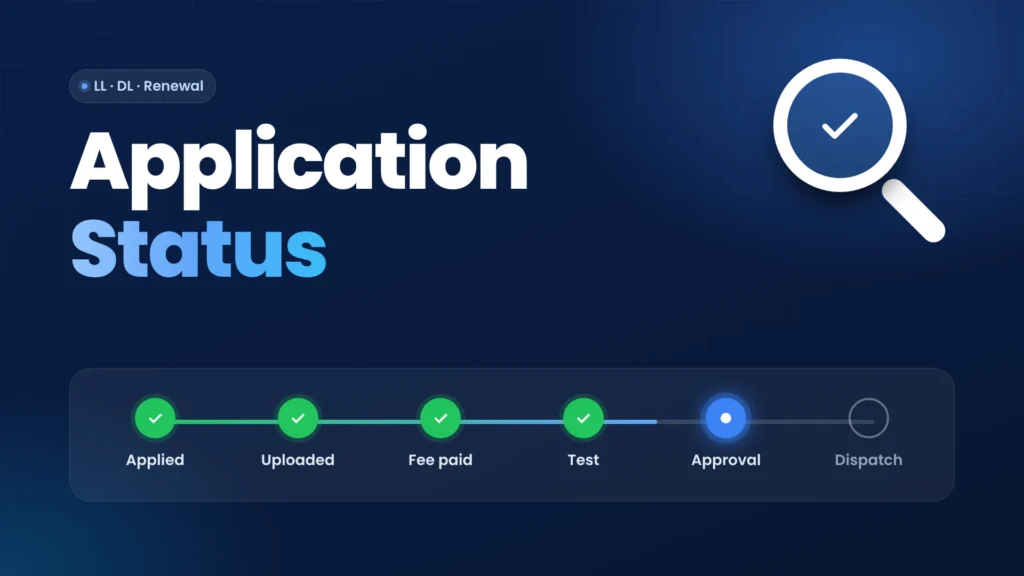
- Applicant Stages: each step of your service, such as filling the application, uploading your photo and signature, fee payment and test results, each marked Completed with a date.
- Current Status: the transaction you applied for, the stage it is at in processing, and the counter handling it.
- Requested Details: once the card is printed, a line such as “Licence has been dispatched”.
- Dispatch Details: the dispatch record with a Speed Post tracker.
The page also carries a note worth reading. After you complete every applicant stage, you must visit the RTO on your appointment date with your documents to finish the process. Applicant stages done online don’t mean the application is complete.
Status not moving? Find the step that is holding it
Most stuck applications are waiting on the applicant, not the RTO. Look for the stage that isn’t marked complete, then finish that step from the matching menu. If every stage you control is complete, the wait is at the RTO, and the official route is your Zonal Office or Transport Department.
- Fee payment not completed: open Fee Payments, then Verify Pay Status in the e-payment menu, before you pay again. If the fee was deducted twice, the official Parivahan FAQ says to contact your Zonal Office or Transport Department with your original documents.
- Photo, signature or documents pending: open Upload Document and use Upload Photograph and Signature or Upload Documents/ Scanned Images. With Aadhaar eKYC on a learner’s licence, only the signature is uploaded.
- Application started but never submitted: use the Complete your Pending Application tile on your state’s home screen.
- Test slot not booked: open Appointments and book the LL or DL test slot your stage asks for.
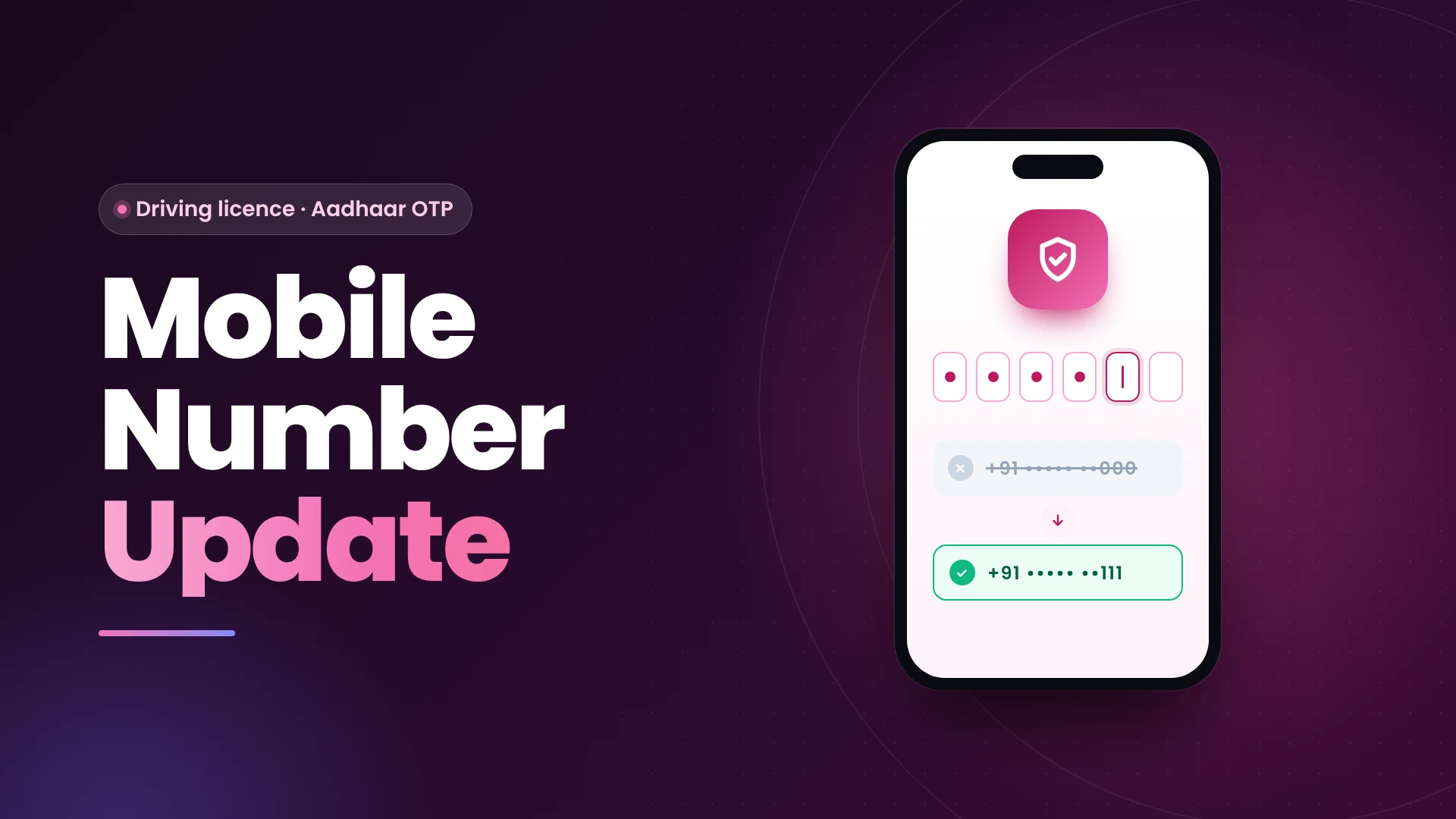
- OTP not arriving at any step: the number on your record may be old. Update the mobile number linked to your licence first, then come back.
- “Driver’s License approved” but no card: the official Parivahan FAQ says to contact your Zonal Office or Transport Department with your original documents. Whether the card is posted to your address depends on your state’s policy.
Learner’s license, renewal and other services
The same Application Status page covers every licence service, because each one gets its own application number. What changes is the list of stages and the last step. A learner’s licence ends with the test result; a renewal ends with printing the receipt and, later, the renewed licence.
- Learner’s licence: the stages run from filling the application to uploading, payment and the LL test. After a pass, print it from Learner Licence → Print Learner Licence (Form3).
- Renewal, duplicate DL and change of address: these run through Services on DL, which lists seven stages ending with Print the Receipt. Track each one with the application number from that receipt.
- New driving licence after the test: watch for the dispatch details. Once your licence is issued, you can get your driving licence copy digitally while the card is in the post.
When the status page won’t open
The usual cause is a saved link. Sarathi refuses direct links to its inner pages and shows “403 Forbidden”. Open sarathi.parivahan.gov.in, select your state again and click Application Status from the menu. Bookmark only the state-selection page.
The portal also has periods when it stops responding altogether. If the page times out, wait and try later instead of submitting the form repeatedly. A repeated submission with a wrong captcha only resets the form.
Quick answers
Can I check my status without the application number?
Yes. Use Find Application Number with your name, date of birth and mobile number, or DL Search with your mobile number and an OTP.
My status says approved. Why haven’t I received the licence?
The official Parivahan FAQ says to contact your Zonal Office or Transport Department with your original documents. Check the Dispatch Details on the status page first for a Speed Post tracking number.
Will the licence be posted to my home?
That depends on your state. Parivahan’s FAQ says dispatch to the applicant’s address is as per state policy.
Is learner’s licence status checked on a different page?
No. LL, new DL, renewal and other licence services all use Application Status with their own application numbers.