Sarathi Parivahan RC Download: Vahan, DigiLocker & mParivahan
What do you need the RC for: to show at a checkpoint, or to send as a PDF? For a checkpoint, a copy in DigiLocker or NextGen mParivahan is enough. For a PDF to email or print, download it from Vahan. Either way, you won’t find it on Sarathi.
Sarathi handles driving licences only. Your vehicle’s registration certificate sits on Vahan, MoRTH’s vehicle database, and every RC copy, vehicle lookup and RC mobile update starts there or in an app that reads from it.
Where your RC actually lives
The RC is a Vahan record. Searching “Sarathi Parivahan RC” brings people to the licence portal, but no Sarathi menu offers an RC. On parivahan.gov.in, the vehicle side is reached through Vehicle Related Services, kept apart from the licence services that open Sarathi.
The split matters for OTPs too. Vahan sends its OTP to the mobile number recorded on your vehicle, which is separate from the number on your driving licence. Updating one doesn’t change the other.
Three ways to get your RC, and the catch with each
DigiLocker, NextGen mParivahan and the Vahan website all give you a valid RC copy. They differ in what you enter, which phone gets the OTP, and what you can do with the result. Pick the one that fits the job you have.
DigiLocker: a signed copy you can share
- Best for: keeping a legally valid RC on your phone and sharing it with an insurer or buyer.
- What you enter: sign in to DigiLocker, open the issued documents from MoRTH, choose Registration of Vehicles, then enter the registration number and chassis number.
- The catch: DigiLocker matches the name on your Aadhaar with the name on the RC. If the spellings differ, the fetch fails until the record is corrected.
NextGen mParivahan: a virtual RC for checkpoints
- Best for: showing the RC with its encrypted QR code when you’re stopped.
- What you enter: your registration number in the app’s RC section, then the verification it asks for.
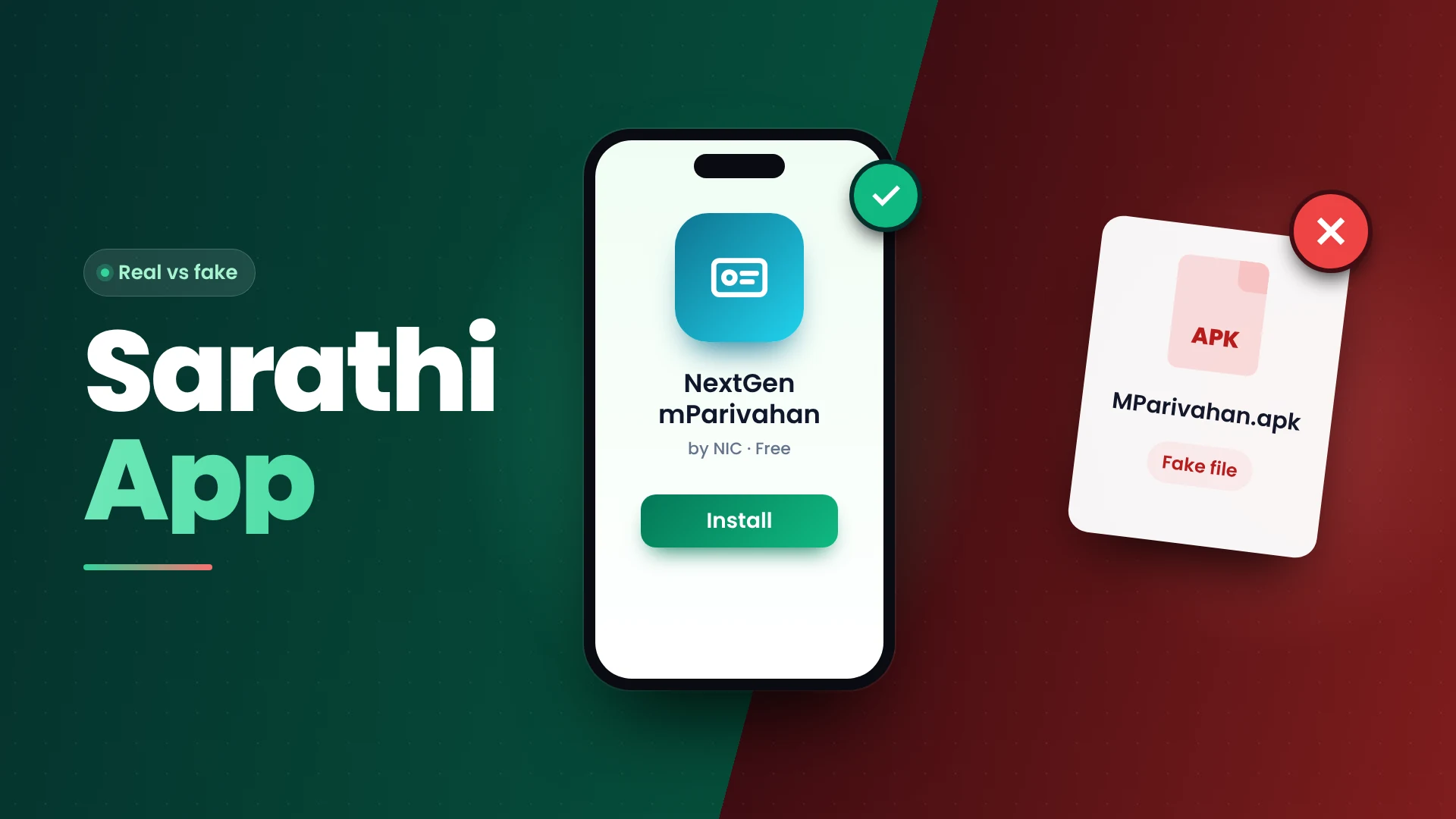
- The catch: the app is for showing and checking documents. It isn’t the place to download a PDF for printing. Our page on the genuine mParivahan app shows how to spot the real listing.
Vahan website: a PDF to print or email
- Best for: a printable copy, or a certified copy where your state offers one.
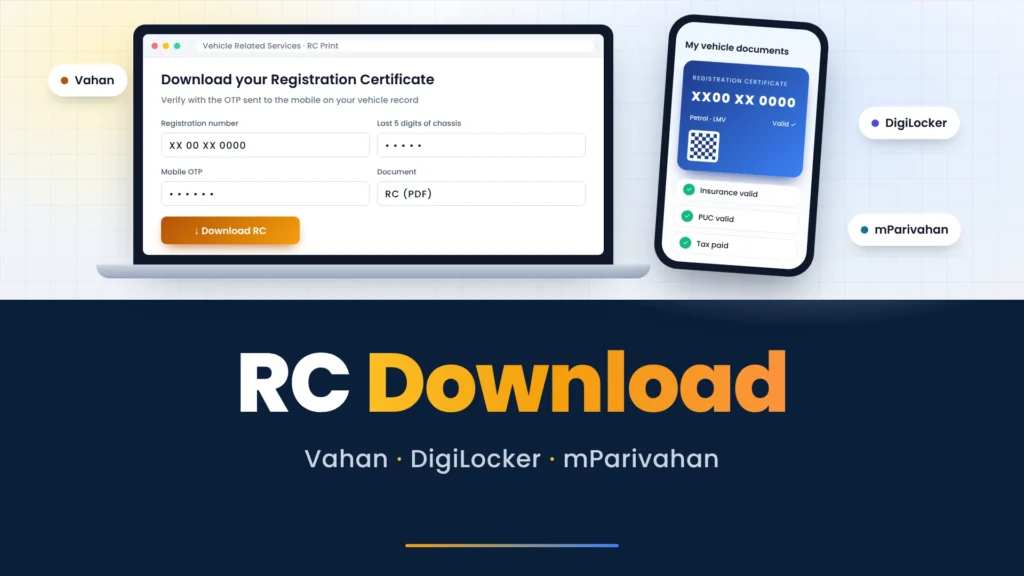
- What you enter: on parivahan.gov.in, choose Vehicle Related Services, select your state, then enter your registration number and the last five digits of the chassis number.
- The catch: the OTP goes to the mobile number on your vehicle record. If that’s an old number, the download stops here.
The Odisha transport department’s own instructions follow this route for a certified RC copy: vehicle number, last five chassis digits, OTP, then the fee where one applies.
MoRTH’s 2018 advisory tells police and transport officers to accept RCs shown from DigiLocker or mParivahan as valid documents.
Checking any vehicle’s details
Anyone can look up the basic record of a vehicle from its number. On parivahan.gov.in, Know Your Vehicle Details under the informational services shows the registration and validity dates. The owner’s name appears partly masked, and the full record is held back for the RTO.
After you sign in with a mobile number and enter the registration number and captcha, the search typically shows:
- Registration date, registering RTO and RC validity
- Vehicle class, maker, model and fuel type
- Insurance validity, PUC validity and tax validity
- Fitness validity, for vehicles that need a fitness certificate
- Whether the vehicle is financed
- The owner’s name, partly masked
mParivahan offers a similar lookup by registration number, and its latest iOS update added a vehicle validity check by mobile number. Full owner details, such as the address, come only from the RTO with a valid reason.
Use these details to check your own vehicle or one you’re buying. Using them to trace or contact a stranger is misuse of the record, and the masking is there to stop it.
Worked example: checking a used bike before you pay
You’ve found a second-hand motorcycle and the seller has a paper RC. Before paying, check the record yourself rather than trusting the papers in hand. This takes one search and one conversation with the seller.
- Note the registration number from the number plate, not from the RC the seller shows you.
- Run it through Know Your Vehicle Details on parivahan.gov.in.
- Compare the maker, model and fuel type with the bike in front of you.
- Check that insurance and PUC are valid; buying with both lapsed means you pay to renew them.
- Look at the financed status. If the bike is still financed, ask the seller for the lender’s no-objection letter before you pay.
- Ask the seller to show the RC in their own DigiLocker or mParivahan. A seller who can’t fetch it may not be the registered owner.
Once you buy, the ownership transfer runs on Vahan too, through the same Vehicle Related Services route.
When the RC OTP goes to an old number
An old number on the vehicle record is a common reason an RC download fails. Vahan sends the OTP to the number recorded when the vehicle was registered, which for an older vehicle may be a number you no longer have. Update it on Vahan first, then come back to the download.
The Vahan update asks for the registration number, chassis number and engine number, and confirms the change with an OTP on your Aadhaar-linked phone. The same Aadhaar logic applies to your licence; see our page on changing the number on your licence record for the Sarathi side.
For anything about your driving licence instead, start from the sarathi parivahan home page, which sets out what each government portal handles.